What is Google Business Profile?
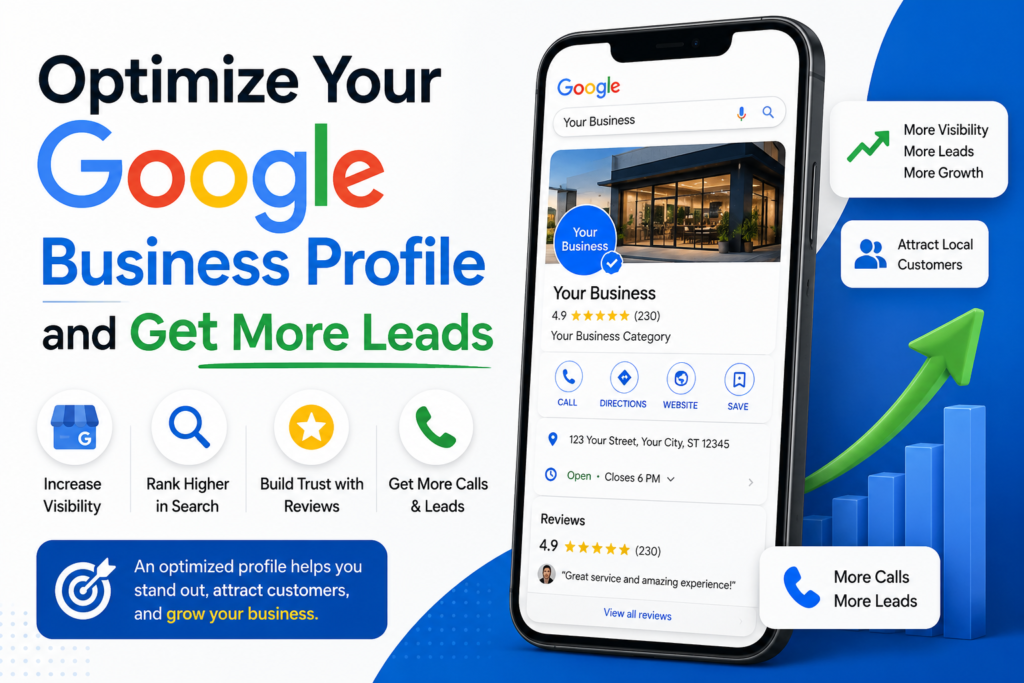
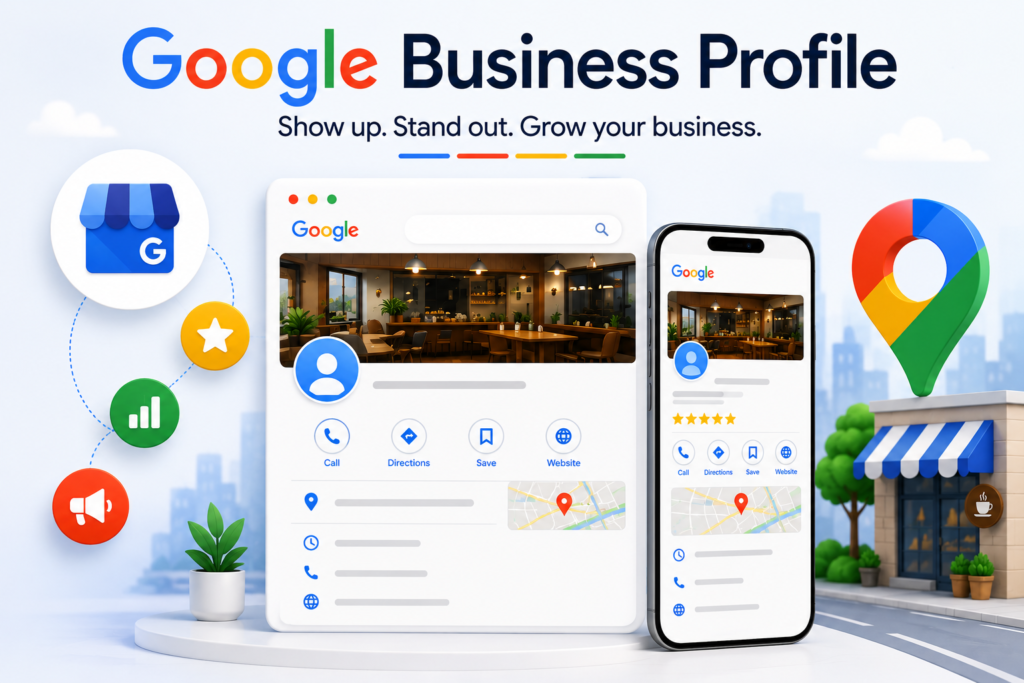
Google Business Profile (formerly Google My Business) is a free tool that allows businesses to manage how they appear on Google Search and Google Maps. It helps customers find important information such as:
- Business name
- Address
- Phone number
- Website
- Businesshours
- Photos
- Customer reviews
- Products and services
A properly optimized profile makes it easier for customers to trust and contact your business.
Why Google Business Profile Matters
1. Improves Local Search Visibility
When people search for services near them, Google displays local business listings. An optimized profile increases your chances of appearing in these search results and on Google Maps.
2. Builds Customer Trust
Customers are more likely to choose businesses that have complete information, positive reviews, and recent updates.
3. Generates More Leads
A well-maintained profile encourages users to:
- Call your business
- Visit your website
- Request directions
- Send messages
- Book services
These actions can directly lead to more sales and inquiries.
4. Enhances Customer Experience
Providing accurate information helps customers find exactly what they need without frustration.
How to Optimize Your Google Business Profile
Complete Every Section
Fill out all available information, including:
- Business name
- Category
- Address
- Phone number
- Website URL
- Business hours
- Services offered
- Business description
Google prefers complete profiles and often ranks them higher.
Choose the Right Business Category
Selecting the correct primary and secondary categories helps Google understand your business and show it to the right audience.
Add High-Quality Photos
Upload professional images of:
- Your storefront
- Team members
- Products
- Services
- Office or workspace
Businesses with quality photos often receive more engagement and clicks.
Write a Strong Business Description
Use relevant keywords naturally while explaining:
- What your business does
- What makes you unique
- Areas you serve
- Services you offer
Keep the description clear and customer-focuse
Collect Customer Reviews
Positive reviews improve credibility and local rankings.
Tips:
- Ask satisfied customers to leave reviews.
- Respond to every review professionally.
- Thank customers for positive feedback.
- Address concerns in negative reviews respectfully.
Post Regular Updates
Google allows businesses to publish updates, offers, events, and announcements.
Regular posting helps:
- Keep your profile active
- Increase engagement
- Inform customers about promotions
Keep Information Updated
Always update:
- Business hours
- Contact details
- New services
- Holiday schedules
Outdated information can result in lost customers.
Enable Messaging
Allow customers to contact you directly through your profile for quick inquiries and support.
Common Mistakes to Avoid
- Using incorrect business categories
- Ignoring customer reviews
- Uploading poor-quality images
- Leaving profile sections incomplete
- Not updating business information
- Keyword stuffing in descriptions
- Posting inconsistently
Benefits of an Optimized Google Business Profile
- Higher Google rankings
- Increased website traffic
- More phone calls and inquiries
- Better customer trust
- Improved local visibility
- Higher conversion rates
- More qualified leads